

Studio tour
One dashboard. Images, videos, audio. Start to finish.
With a wide array of industry research, training, and generation modules, your business sets the tone.
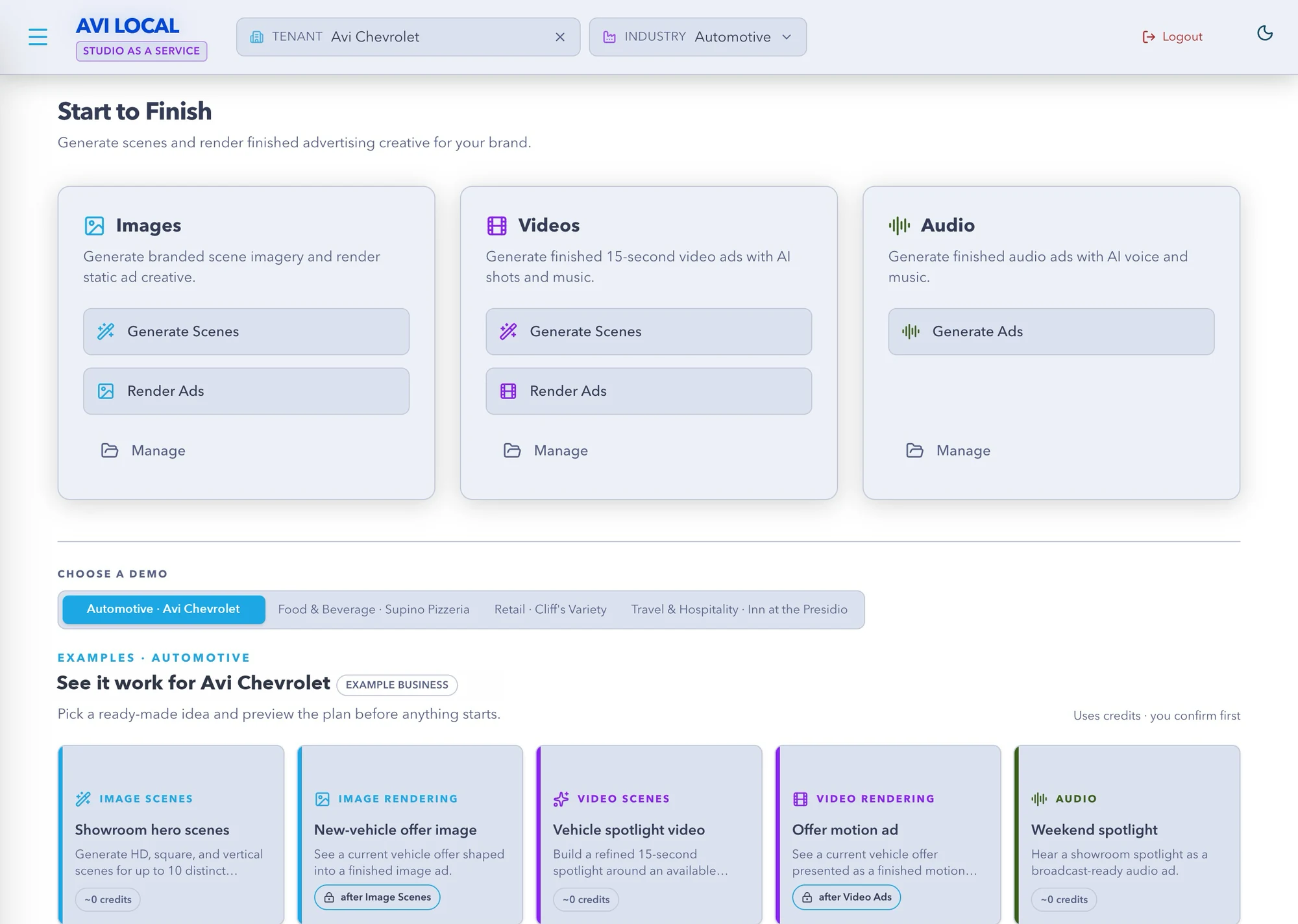
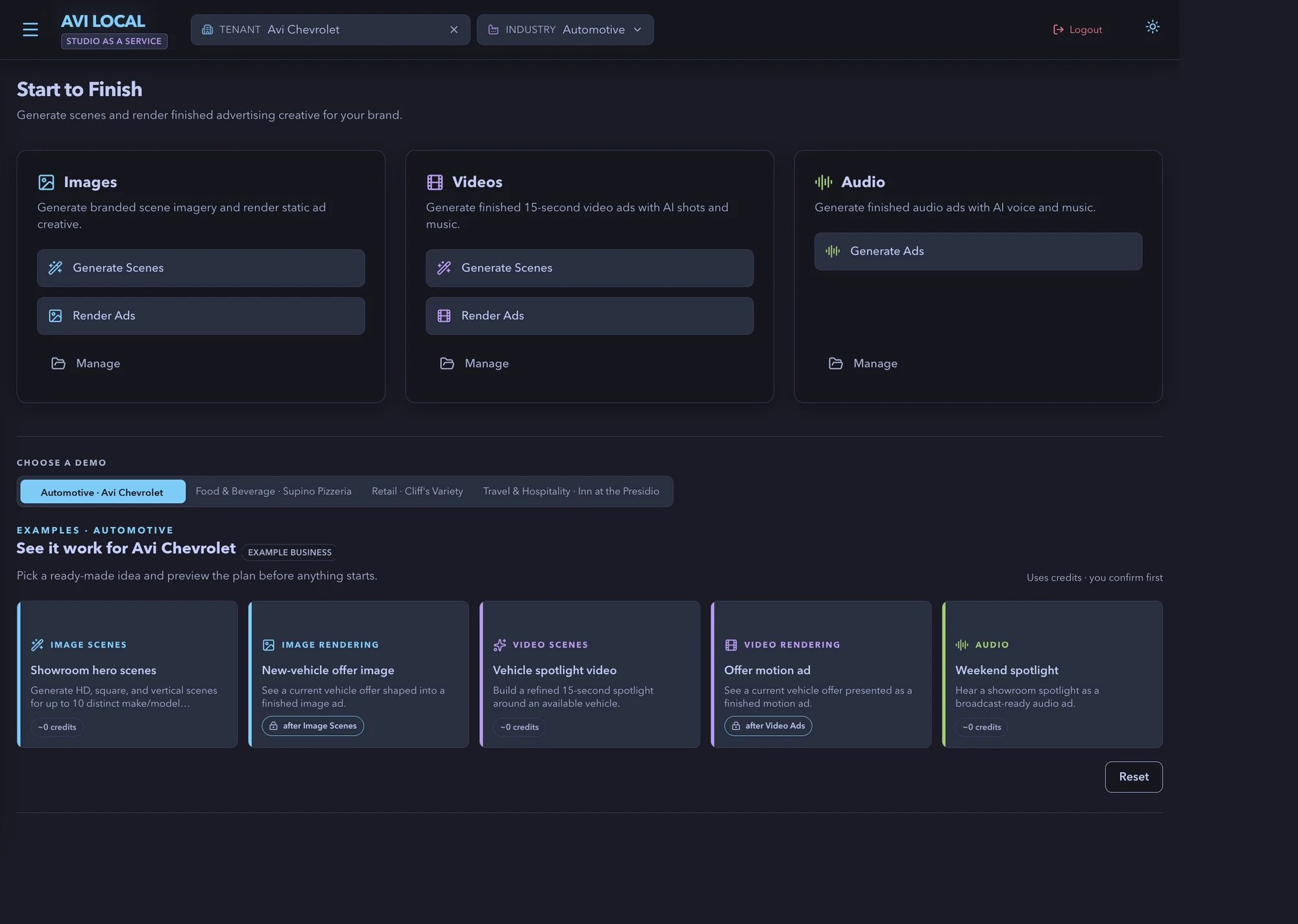
Images
Scenes first. Then the ad.
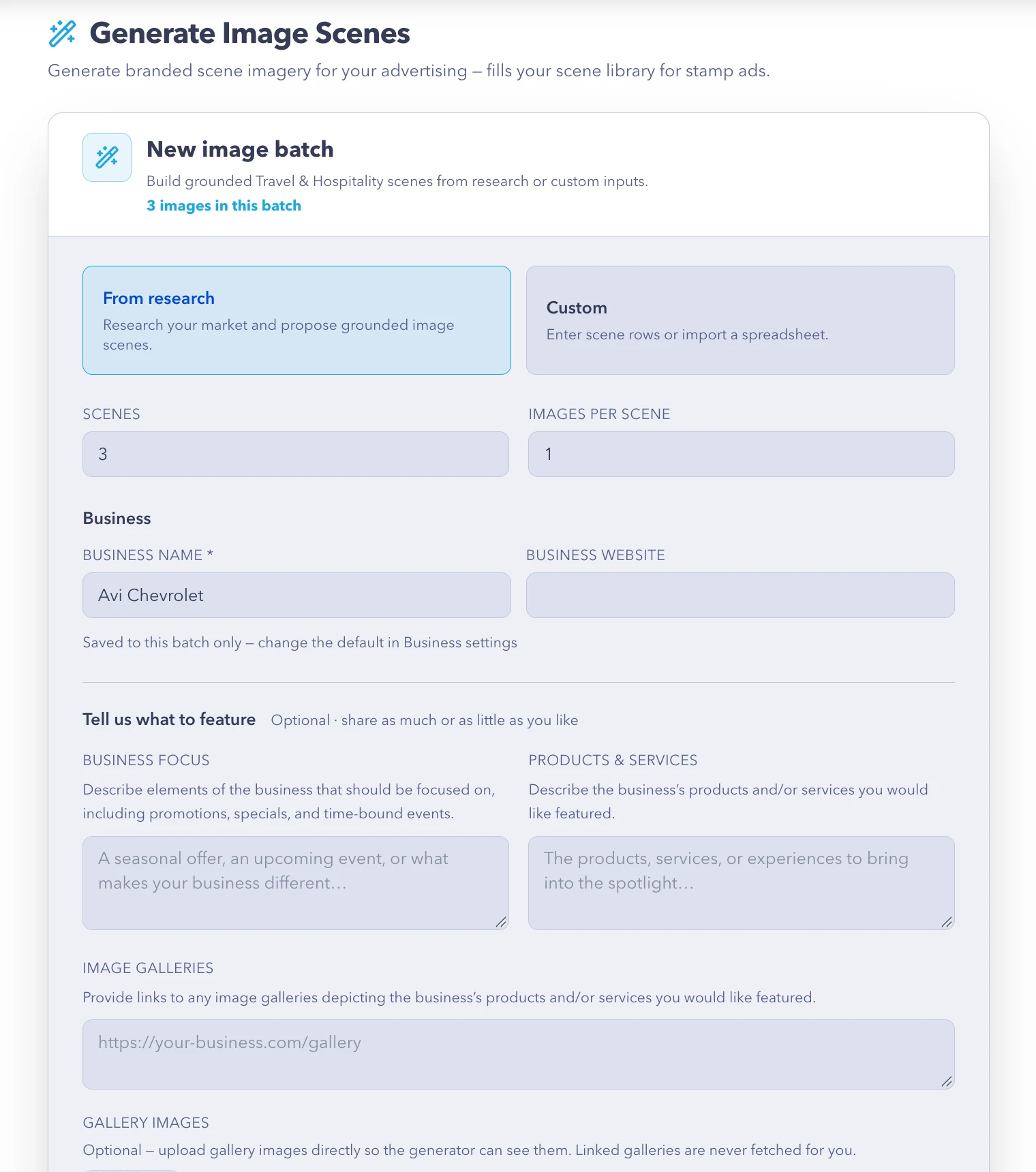
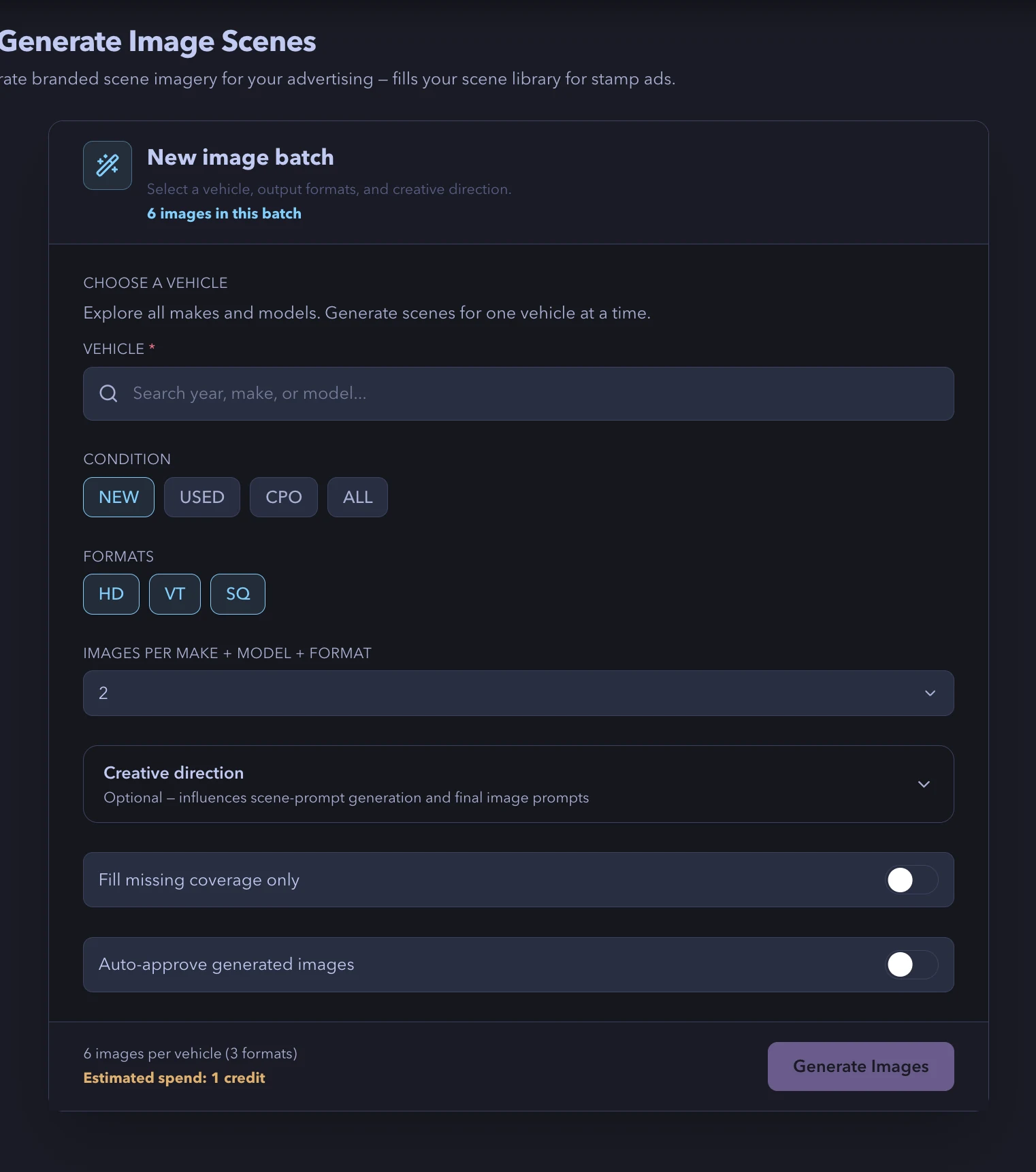
Generate branded scene imagery around a visual direction, then render static ad creative from approved scenes plus your offer or message. Automotive pulls live vehicle offers; every other industry uses research-built or custom content rows.
- HD, square and vertical from one batch
- Up to 10 make/model combinations per automotive run
- Creative direction, reference uploads and quality tiers
- Presets and templates per industry; approve, regenerate, re-render
Videos
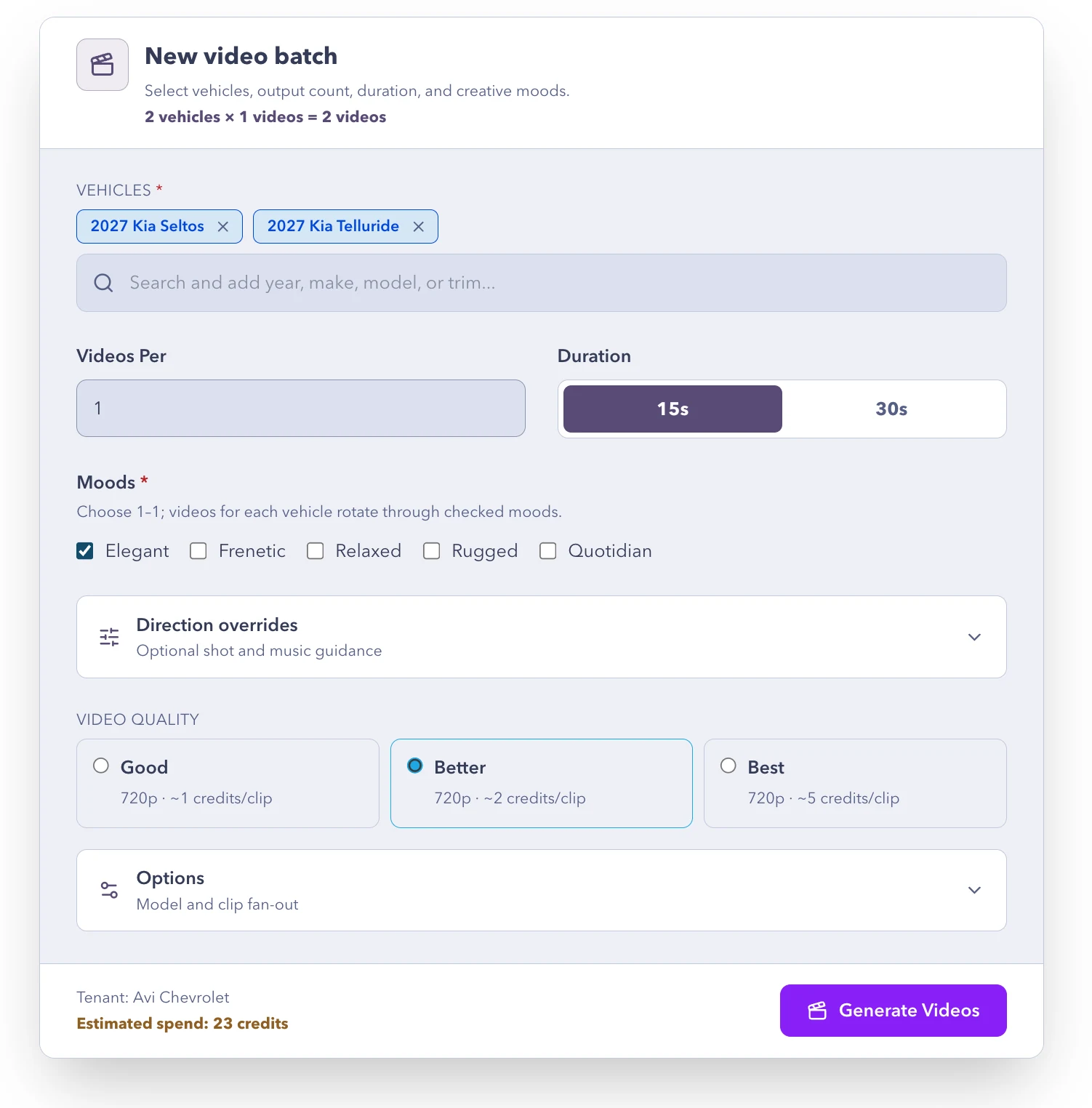
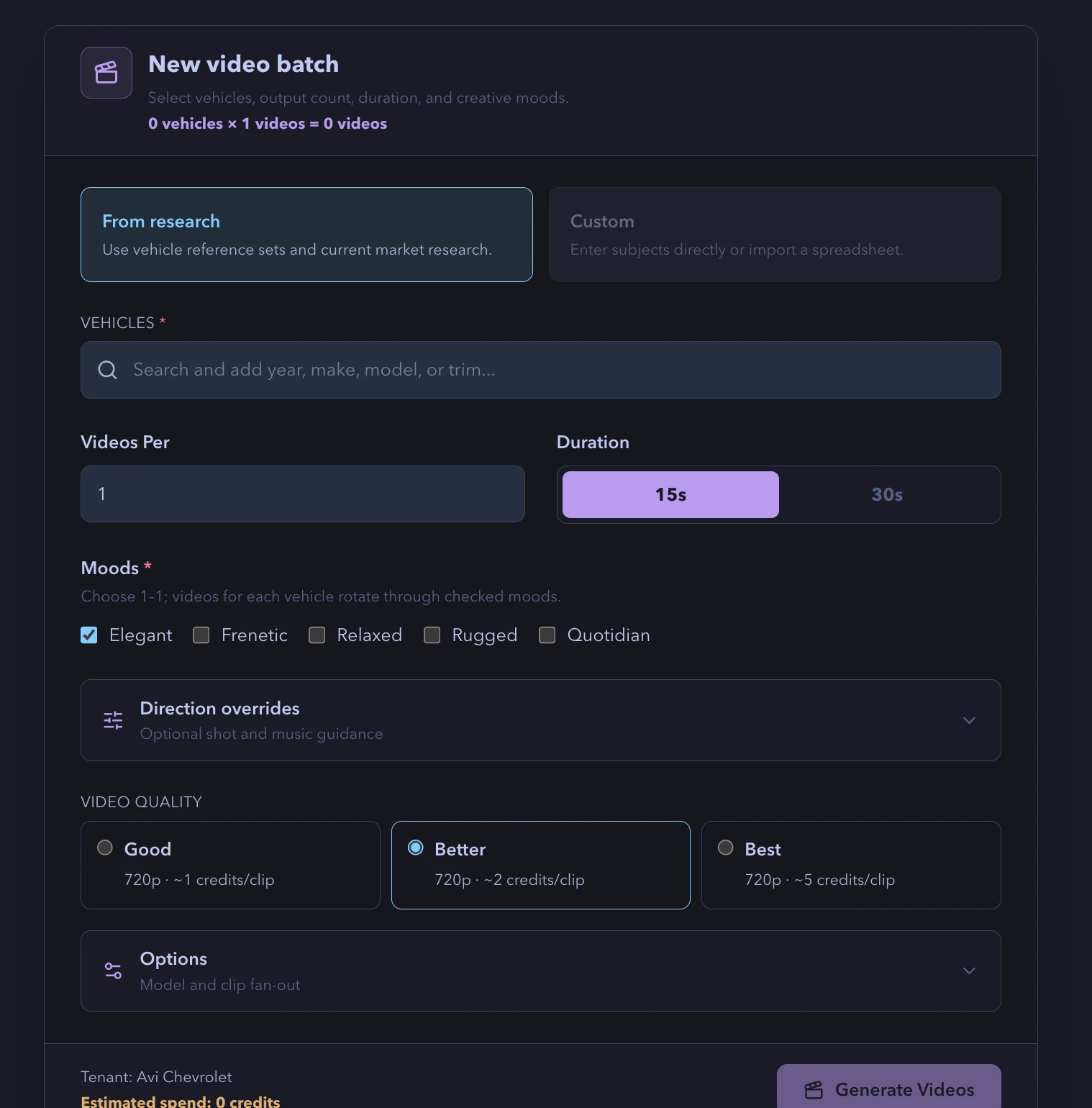
A 15- or 30-second story, planned and shot.
Studio reads the business, shapes one focused idea, plans the shots, pacing and soundtrack, then renders the finished motion ad into your layout. Review clips, ask for more, approve the batch.
- 15 or 30 seconds, AI shots with a music bed
- Vehicle reference sets for automotive, business subjects elsewhere
- Review workspace with more-clips and regeneration
- Render video ads from approved scene videos
Audio
Scripted, voiced, mixed. Broadcast-ready.
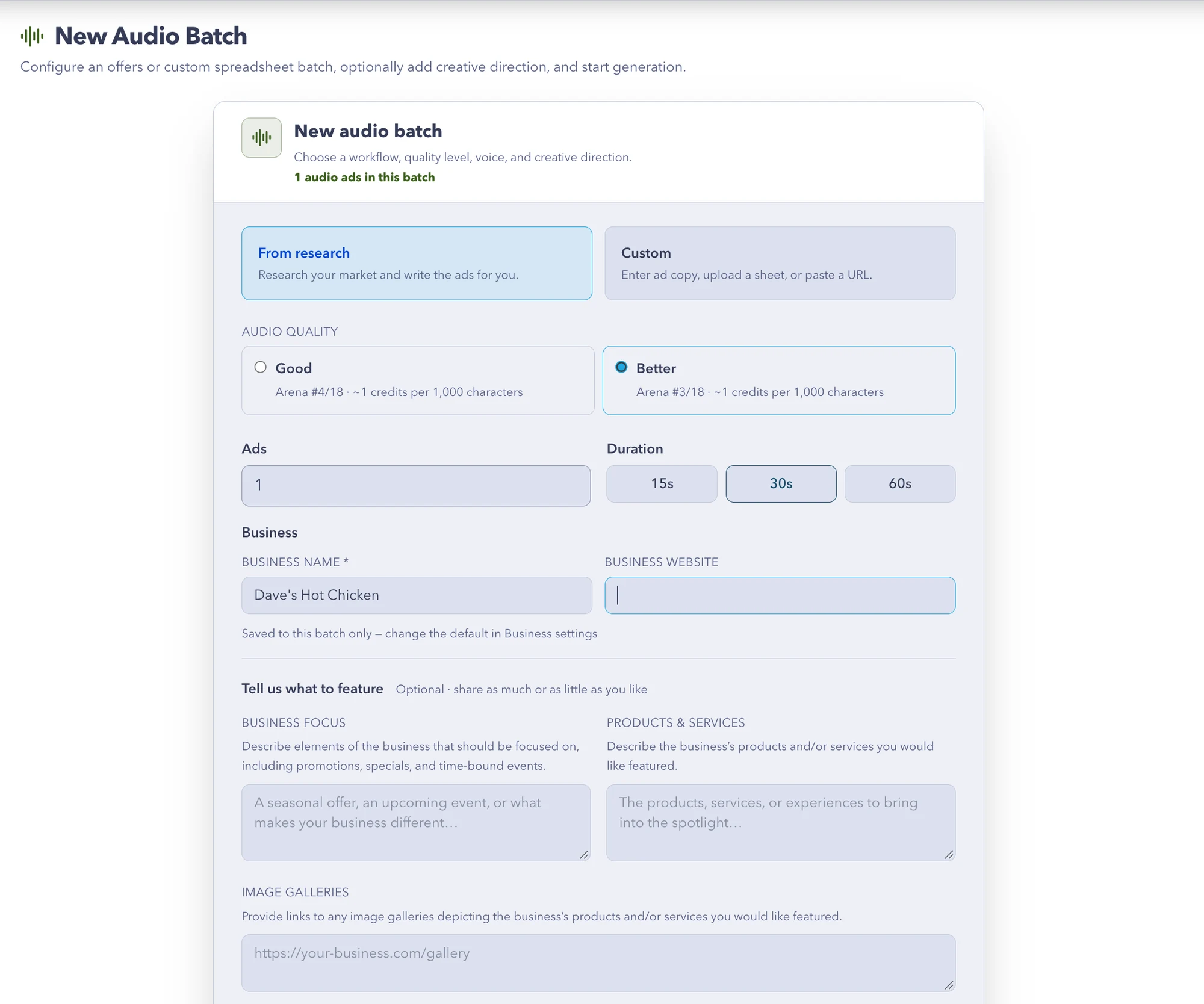
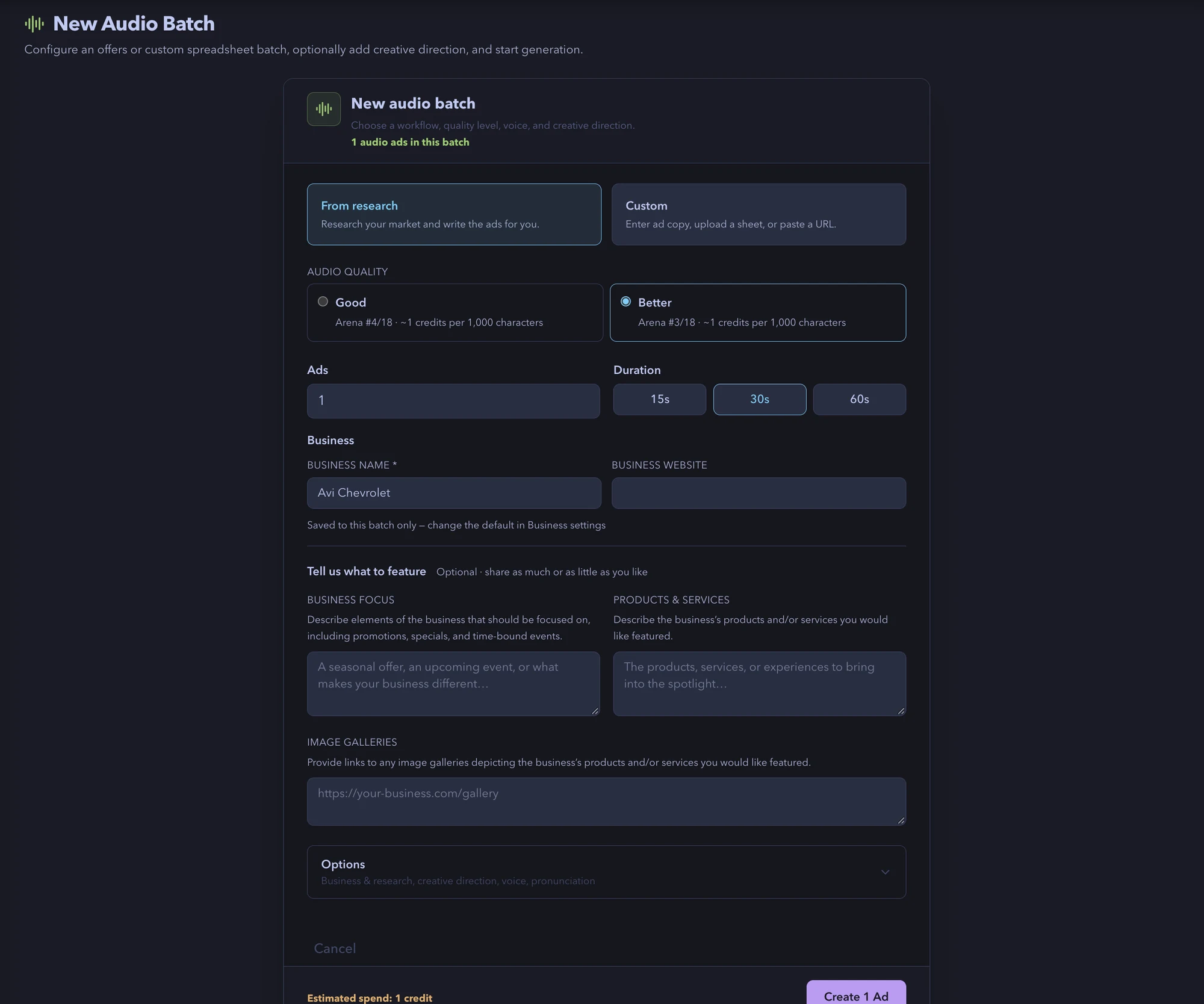
From research, from a live offer, or from your own copy. Studio writes the script, picks a voice and music bed, and mixes a finished 30-second spot. Bring your own spokesperson with a secure voice-replica invite.
- 15, 30 or 60-second finished spots
- AI voices or your verified voice replica
- Brand pronunciation dictionary
- Upload, URL or type your copy in Custom mode
Review
Every clip judged. Every cut yours.
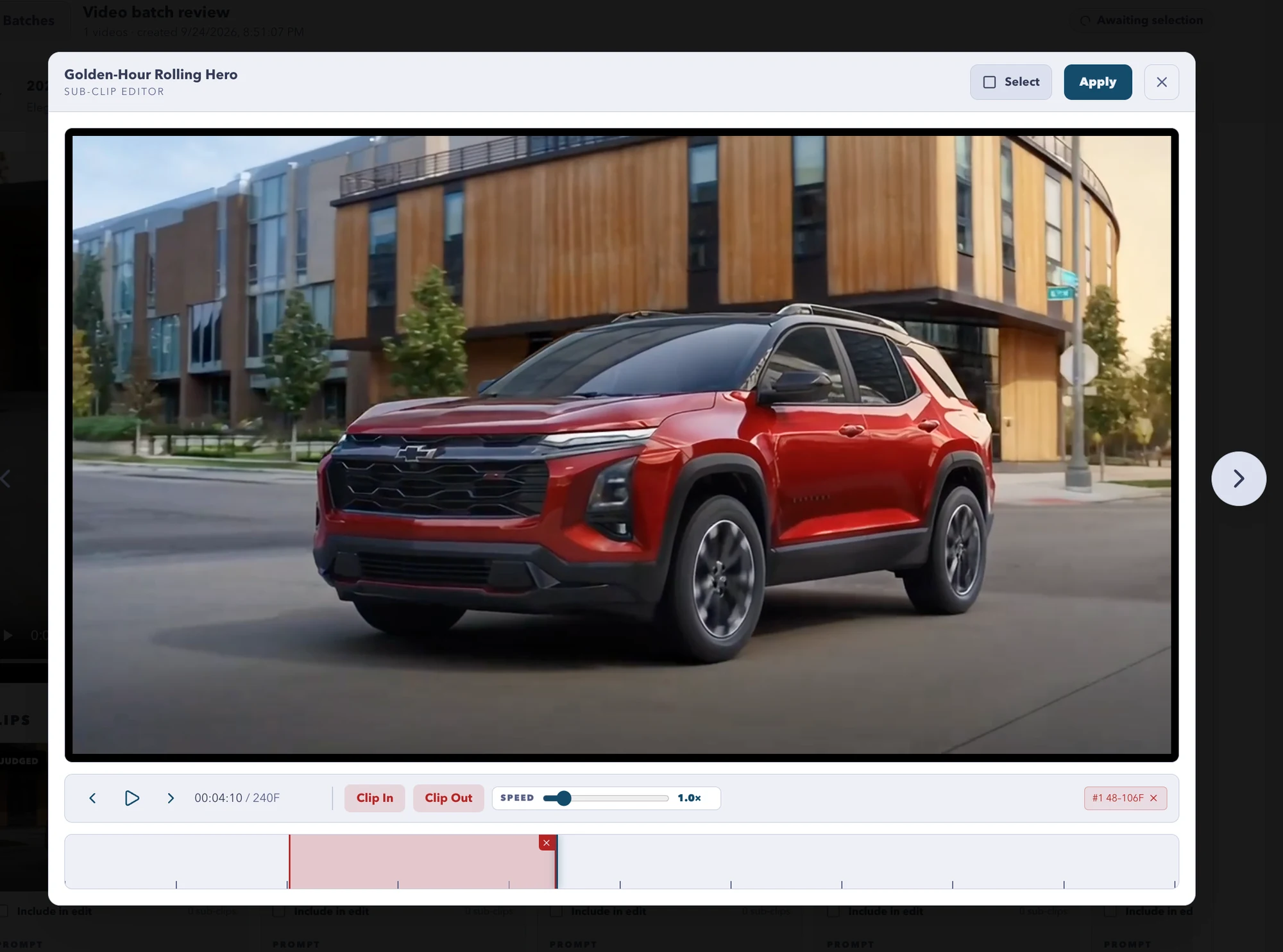
Each generated shot gets a score and a written rationale. Check the clips you want, trim them in the sub-clip editor, build a new edit, or ask for more. Approve when it is right.
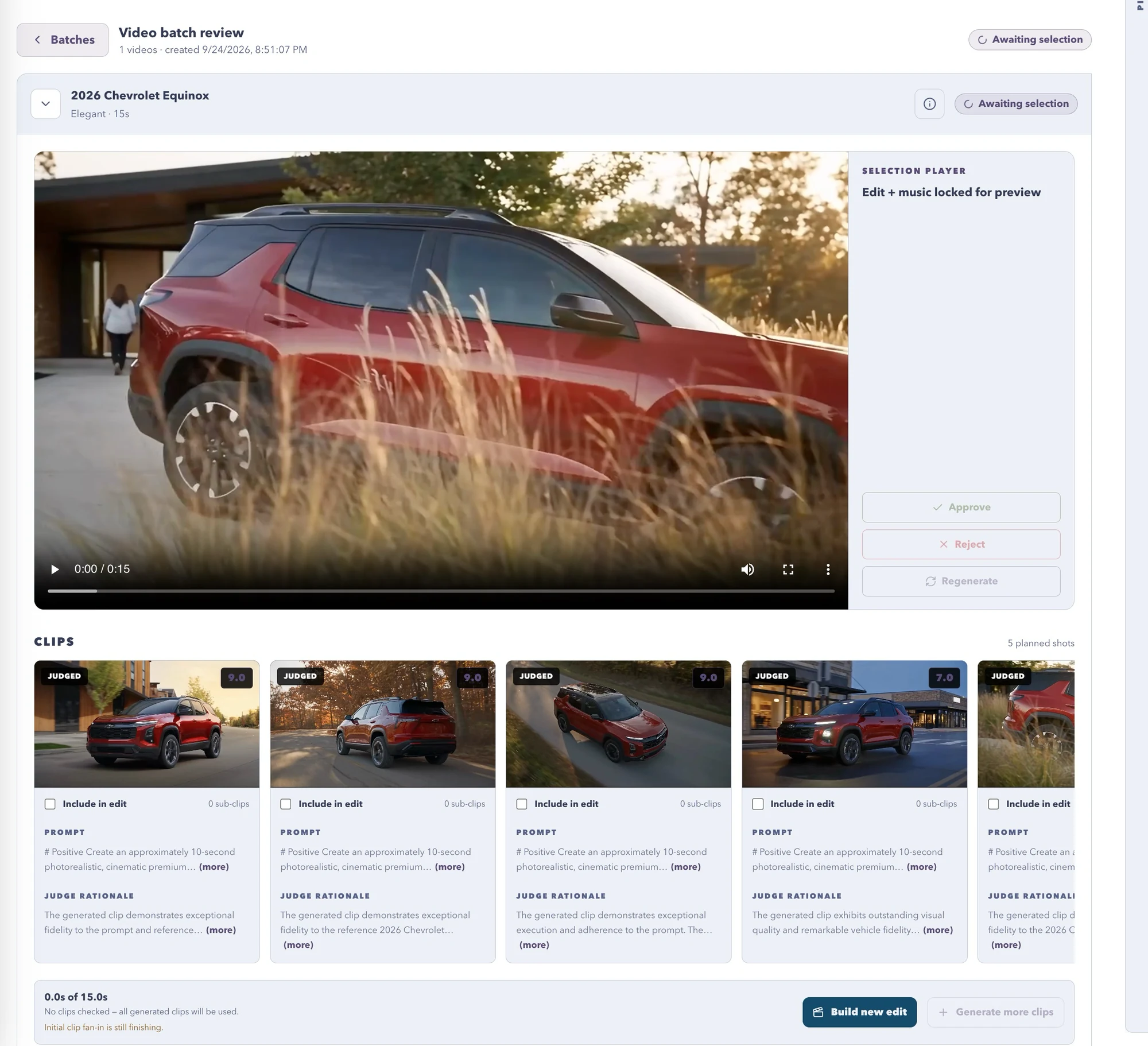
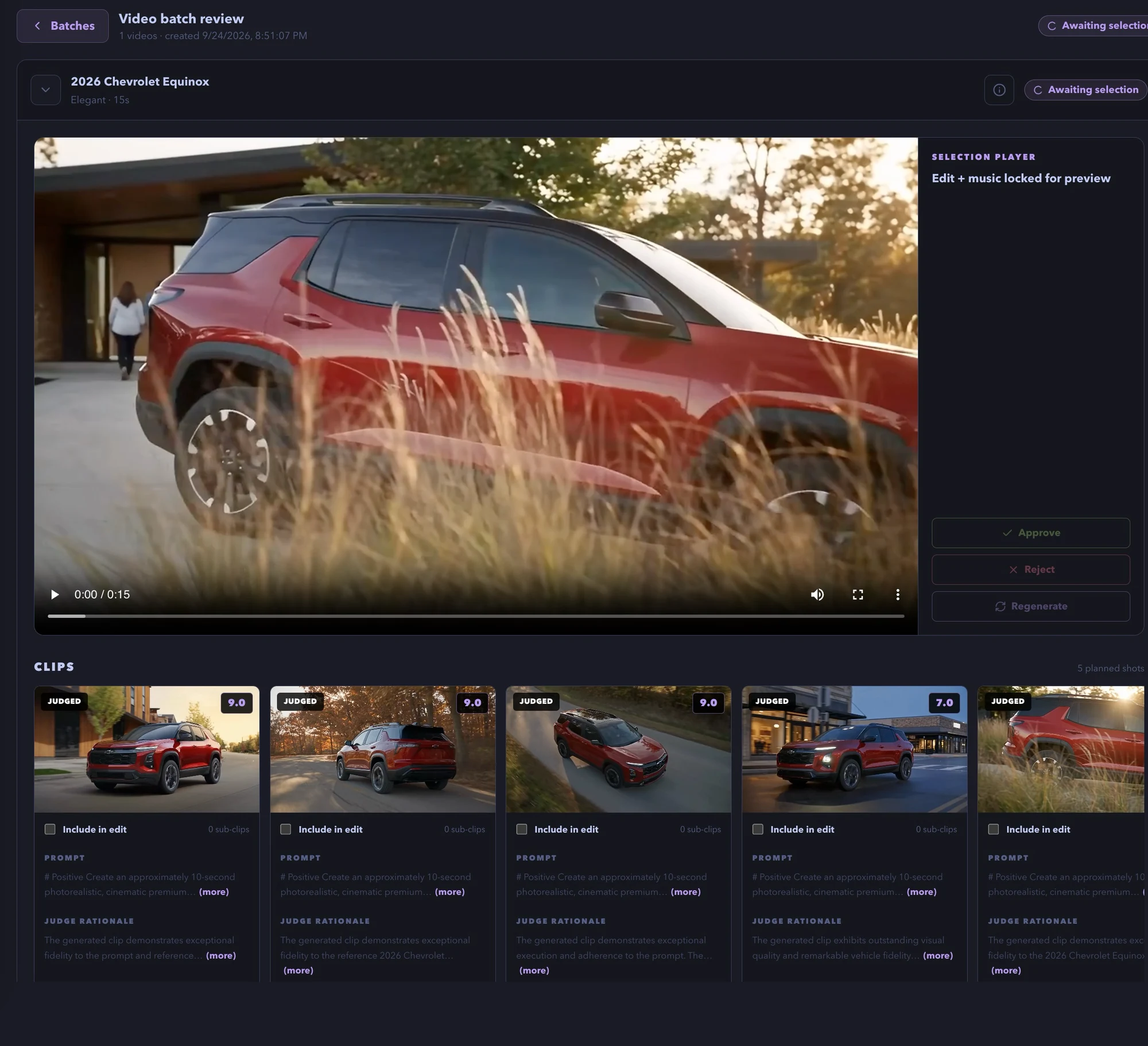
Judged shots
Every clip carries a score and a rationale from the judge model. Weak takes are obvious at a glance.
Sub-clip editor
Set clip in and out, adjust speed, keep only the frames that sell the car.
Build new edit
Check the clips, rebuild the edit with music, and approve. Or generate more clips first.
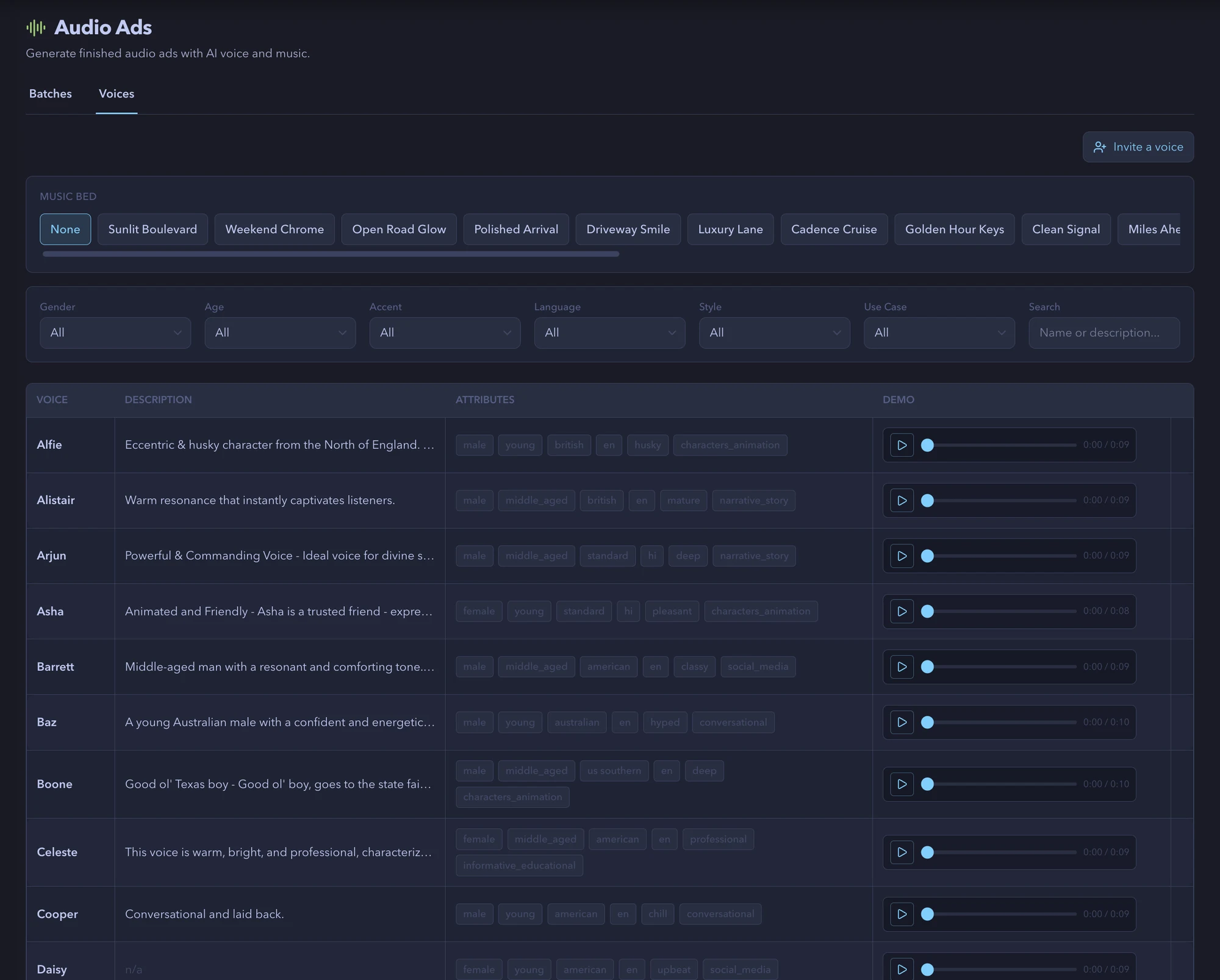
Voices
A voice library. Or your own voice.
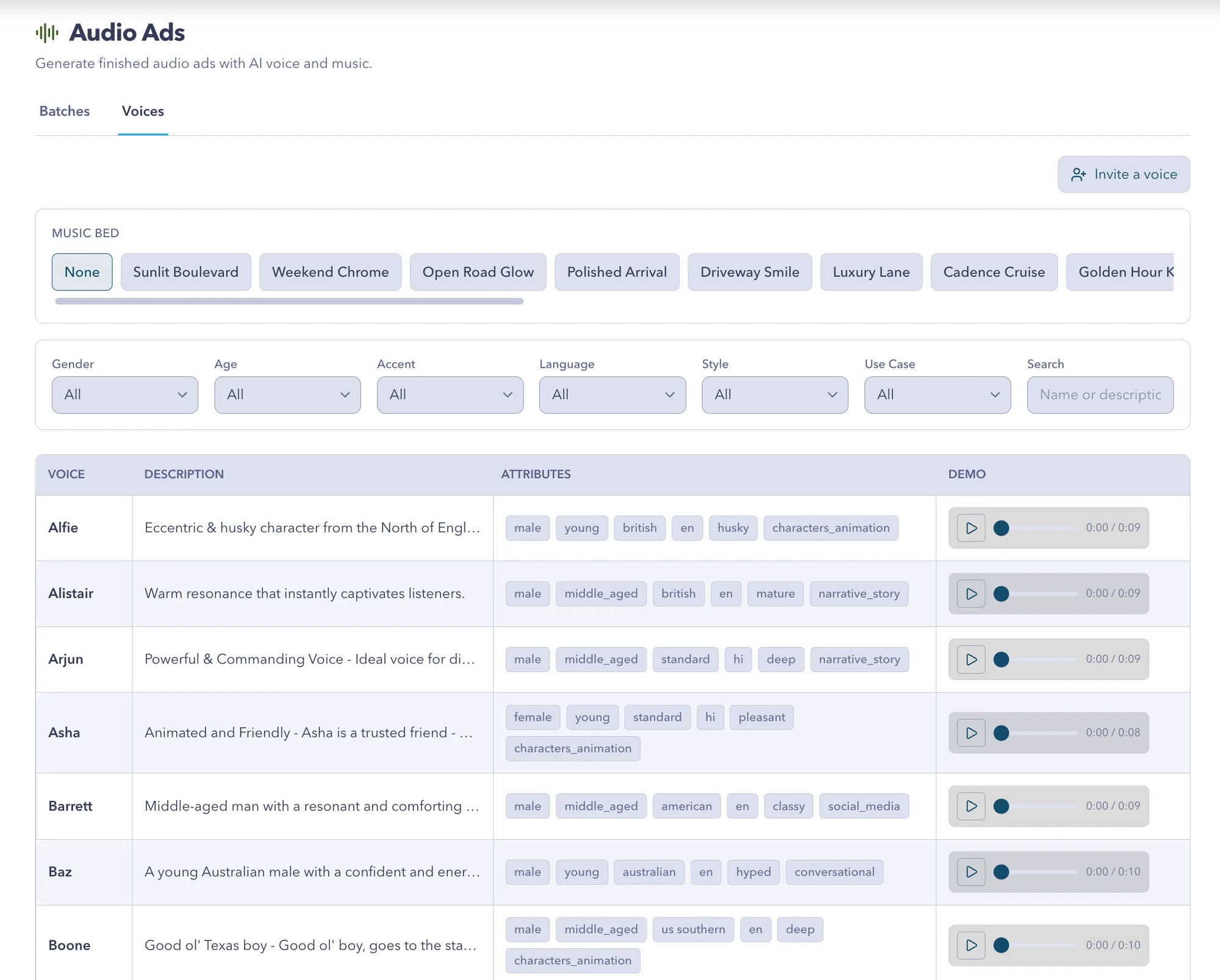
Filter by gender, age, accent, language, style and use case, audition each read, and pick a music bed. Invite your spokesperson and their verified replica joins the list.
- Dozens of voices across accents and languages
- Music beds built for the industry
- Invite a voice: identity verified, recorded once, reused everywhere
- Pronunciation dictionary for brand and model names
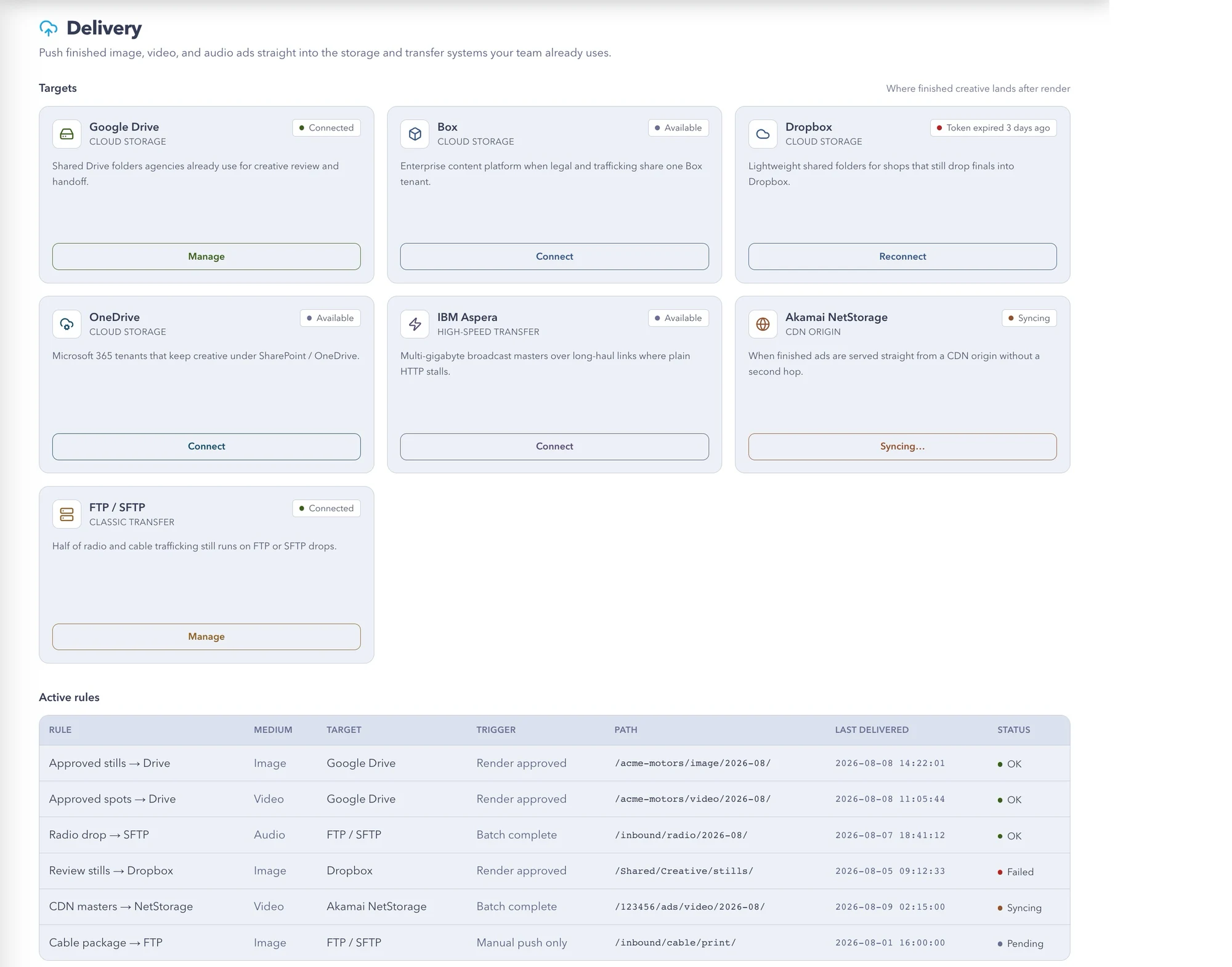
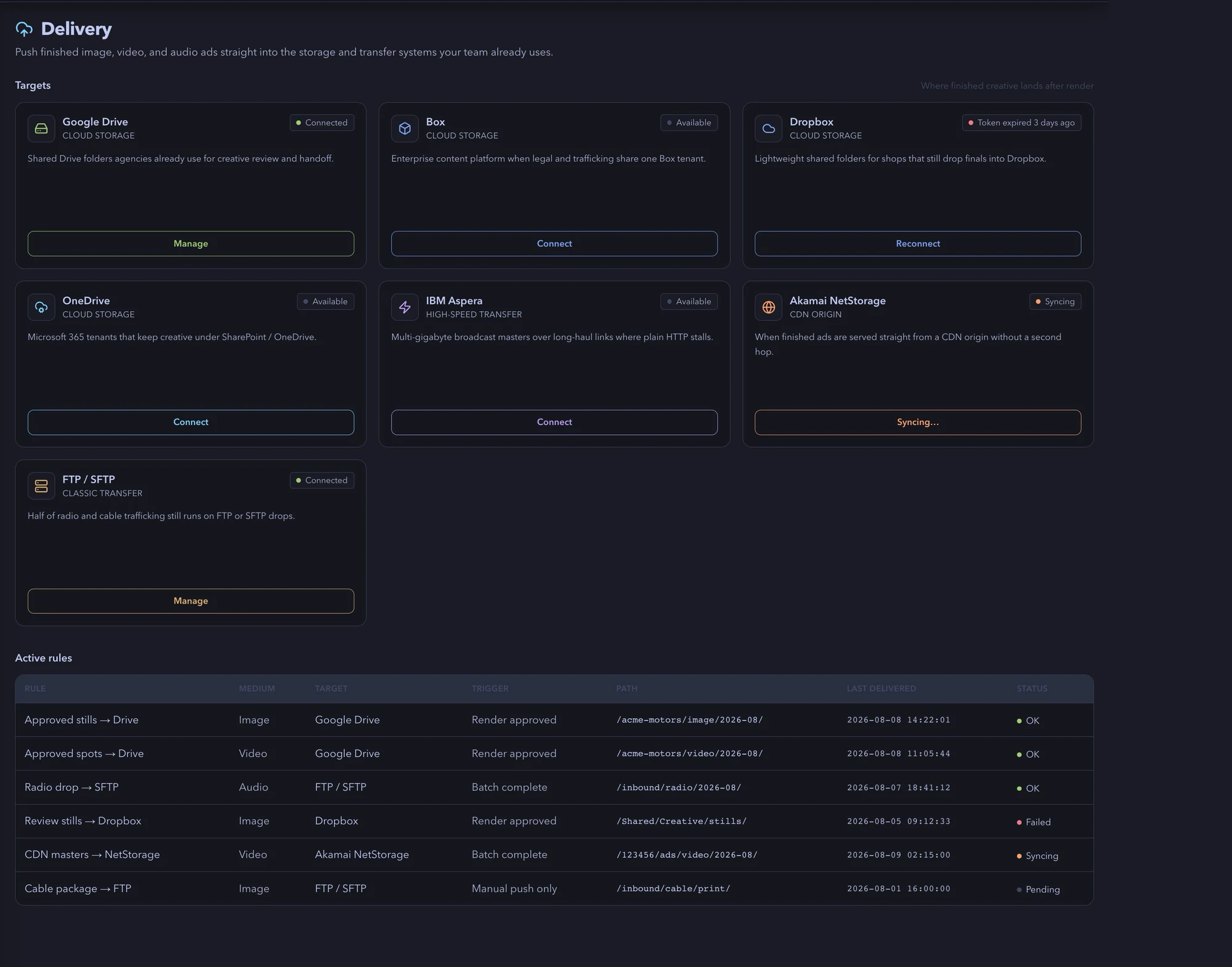
Delivery
Finished means in the folder, not in a tab.
Set a rule once. Renders push to the storage and transfer systems your team already uses, on approval, on batch complete, or only when you say.
Render approved
Push the moment a reviewer approves a render.
Batch complete
Push the whole batch when the last render lands.
Manual push only
Nothing moves until someone presses the button.
Voice replicas
Invite your spokesperson. They verify identity, record once, and the replica is available to every audio batch in your account.
From research or Custom
Every medium offers both modes plus a shared Options disclosure. Research findings are editable and carry forward.
Manage everything
Scenes, composites and batches in one grid per medium, filtered by industry, with list and preview views.
Get started